
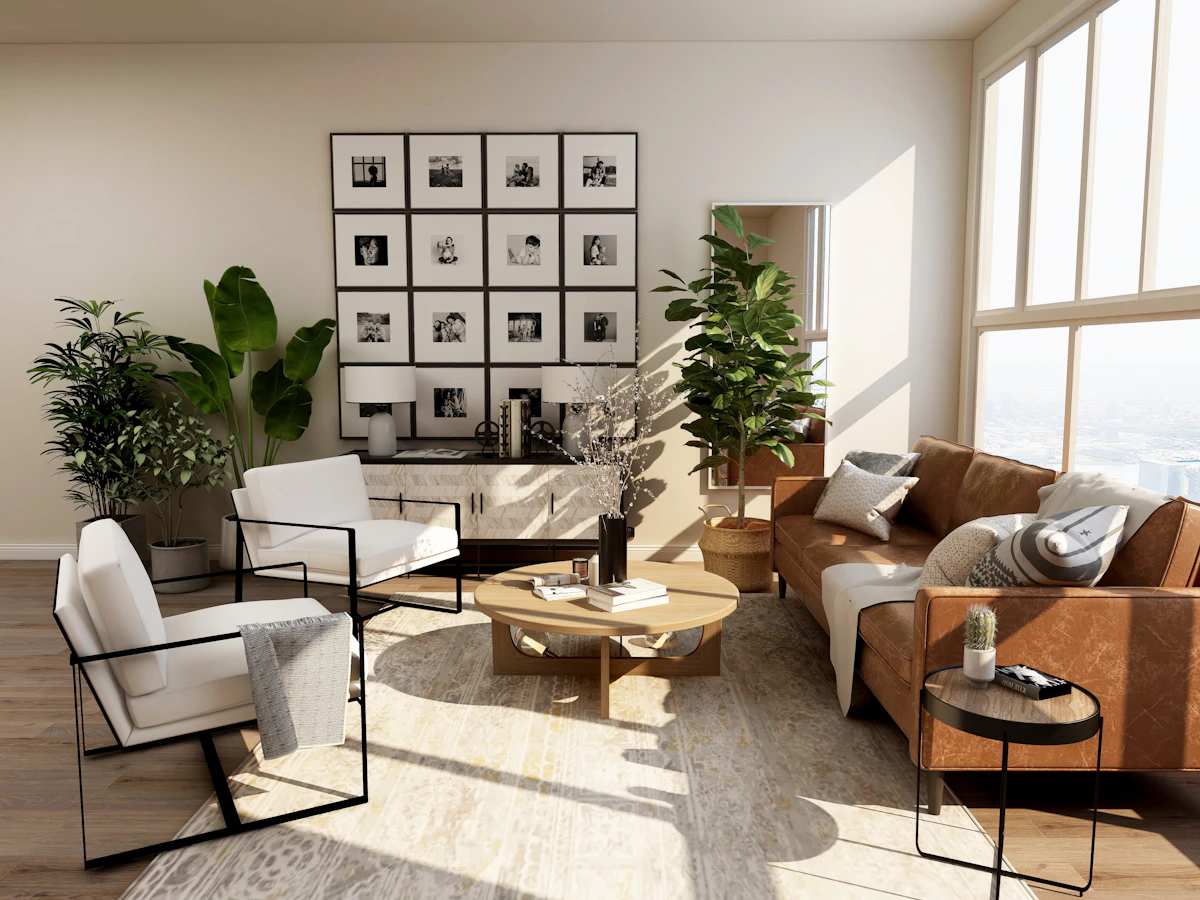
Enscape is the rendering software built for architects who want high-quality visualization without leaving their design software. Unlike Lumion or D5 Render — which are standalone applications — Enscape runs directly inside SketchUp, Revit, Rhino, ArchiCAD, and Vectorworks as a plugin. This complete guide covers everything you need to get professional results from Enscape 4.
Video: Visualization Tips — Applicable to Enscape Workflows
11 Essential Visualization Tips All Architects Must Know — directly applicable to Enscape within SketchUp and Revit
Why Architects Choose Enscape Over Other Renderers
The AI Material Generator — Enscape’s Most Innovative Feature
The Enscape AI Material Generator can analyze a single photo of any real-world material and automatically generate a complete PBR material set — including Albedo, Normal, Roughness, Metalness, and Displacement maps — from that single image.
If a client sends you a photo of a specific tile they want to use, a particular wood finish, or a custom fabric — you can generate an Enscape-ready material directly from that photo in under 60 seconds. This eliminates the need to find a matching texture online or commission custom texture maps.
Enscape Material Settings Reference
| Setting | What It Controls | Typical Range |
|---|---|---|
| Roughness | How matte or glossy the surface appears | Polished: 5–20% · Satin: 40% · Matte: 80–95% |
| Metalness | Whether surface is metallic or dielectric | Metal: 100% · All other materials: 0% |
| Bump Height | Intensity of normal map effect | Subtle: 20–40% · Strong: 60–80% |
| Wind Animation | Simulates fabric movement in curtains and foliage | Subtle: 20% · Strong: 60–80% |
Path Tracing Mode — Maximum Quality
Enscape 4 includes Path Tracing mode that produces significantly more accurate light simulation. In Path Tracing, light bounces multiple times between surfaces — capturing full indirect illumination, colored light from materials, caustics through glass, and accurate shadow softness.
On an RTX 3070 or better, a 2K Path Traced image converges to clean quality in 1–3 minutes. On an RTX 4090, under 60 seconds.
Use Path Tracing for: Competition entries, high-end client presentations, portfolio renders, interior scenes where indirect lighting matters. Use standard mode for: Design development renders where speed matters more than maximum quality.
Video: Exterior Lighting and HDRI Workflow
Exterior HDRI and lighting workflow — techniques applicable to Enscape’s sky and lighting system
360 Panoramas and VR Walkthroughs
Enscape exports 360 panoramas that clients can navigate on any device without special software. Enscape also offers built-in web hosting — send a simple link and clients experience the panorama instantly in their browser. For residential projects, create panoramas of each key room. Six well-placed panoramas communicate more than a hundred static renders.
VR walkthroughs with Oculus Quest let clients walk through a design at full scale — experiencing ceiling heights, room proportions, and spatial sequences exactly as they will be in the built project. Client VR sessions consistently accelerate the design approval process.
📦 Free Models for Enscape Projects
All SketchUp models in our library work directly in Enscape
Interior · Exterior · Furniture · Landscape · Architecture
